Simple
Very simple to use, skip the complicated settings
 OpenNotas
Open-source, lightweight, and privacy-respecting. Built for people who want a calm place to think.
By clicking the button, you agree to our Terms of Use
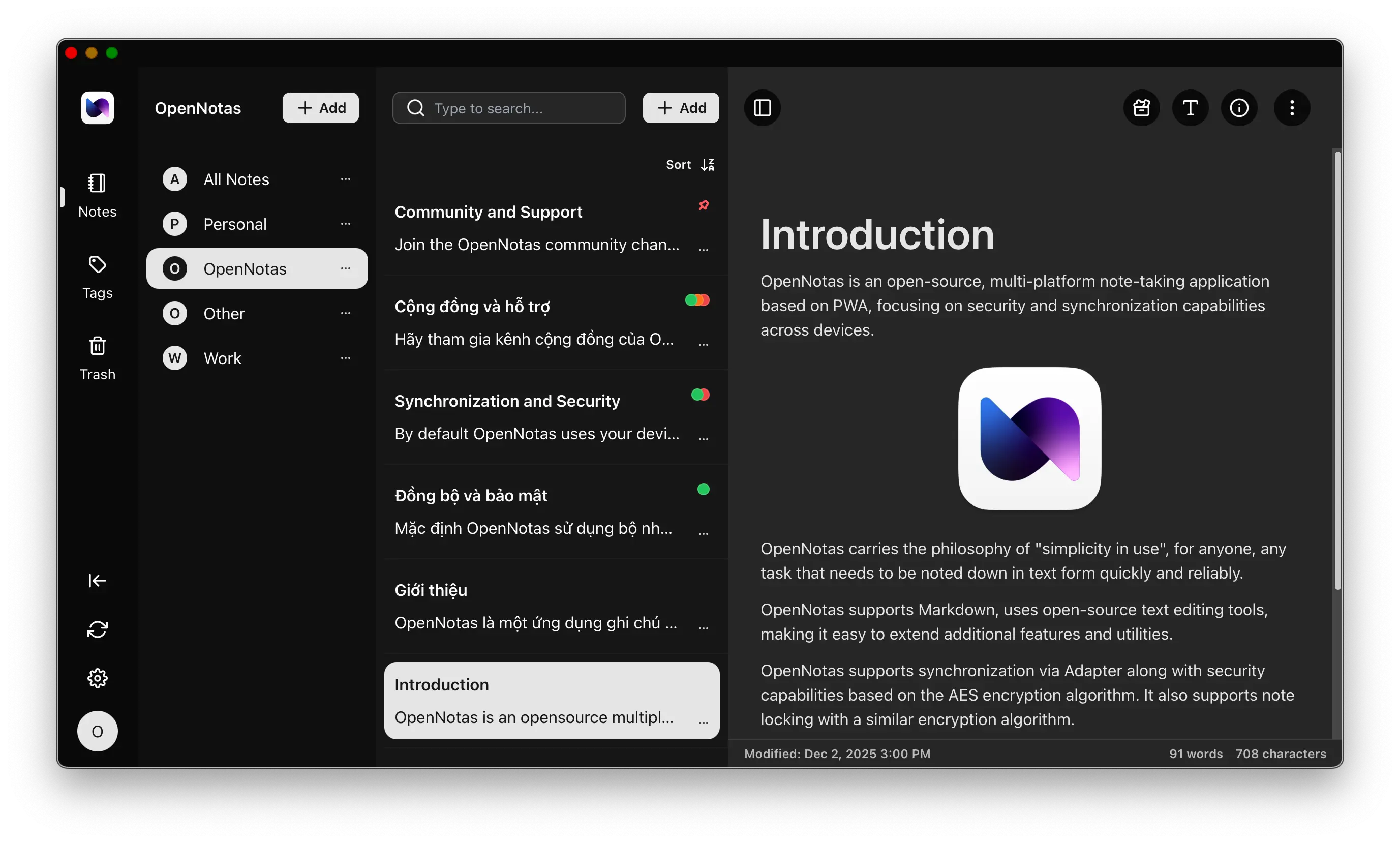
Four principles that shape every decision in OpenNotas.
Very simple to use, skip the complicated settings
Use on all electronic devices you have, from phones to computers
Sync anytime, anywhere, as long as you have Internet. Supports offline use
Encrypt note data with the AES algorithm before storing on the server
The small details that turn a note app into one you trust.
OpenNotas is designed to be easy to use. Just a tap and you can start writing notes immediately.
No accounts, no clutter, no learning curve. Open the app, capture the thought, close it. That's the whole workflow.


OpenNotas is available on most platforms, from mobile to desktop, from Windows to Linux, MacOS.
Install once on each device and your notes stay in sync. The same native-feel experience on a phone in your pocket or a laptop on your desk.
You can set up note syncing across devices through Adapter configuration.
Bring your own backend through pluggable adapters — Turso, S3-compatible storage, or local-only. You decide where your data lives.
Learn More →
Note data is encrypted with the AES algorithm before reaching the sync server, keeping your data always safe and secure.
Your secret key never leaves your device. Even if a sync server is breached, what an attacker sees is ciphertext, never your words.
Learn More →Short answers to the things people ask before they install.
Yes, OpenNotas is completely free and open source.
Yes, you can use OpenNotas without an Internet connection. Data will be stored on your device and sync when you have an Internet connection.
No, your note data is encrypted with the AES algorithm before it reaches the sync server. We do not store your note data.
Use the sync feature. Note data is encrypted with the AES algorithm before being stored on the sync server. You will also need to remember the secret key if you want to read your notes.
Data is stored in the persistent memory of the browser you use to install OpenNotas. Therefore, data is only lost when you clear the cache or uninstall the OpenNotas app or the browser. I recommend you use the sync feature or back up your data regularly to avoid unfortunate situations.
Contact me directly or via the Telegram community channel for assistance!
Start using OpenNotas right now
Install the best personal note-taking app, fast, secure, and free
Install Now